Explore Listings is your starting point to compare verified vehicles, see transparent inclusions, and book stress-free. Use Our Listings to filter by city, seating, luggage, and trip type—airport transfers, hourly rentals, or outstation plans—then request a quick quote if your route needs a custom plan.
Explore Listings: how this page helps you book smarter
With Explore Listings, you can scan real vehicles, compare seating and luggage space, and view clear inclusions/exclusions. If you’re traveling with seniors or kids, prefer shorter walks and calmer pickup points—we’ll note that in your booking so the driver plans accordingly.
Explore Listings: vehicle categories you can compare
Sedans (city-ready)
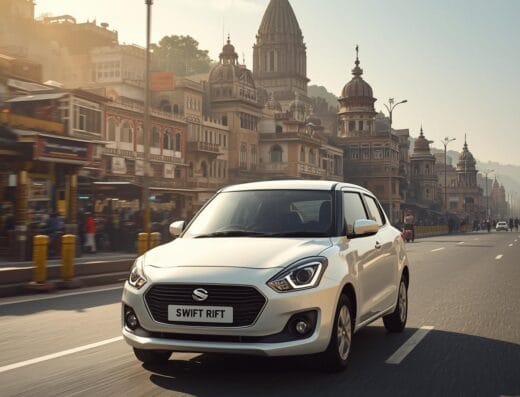
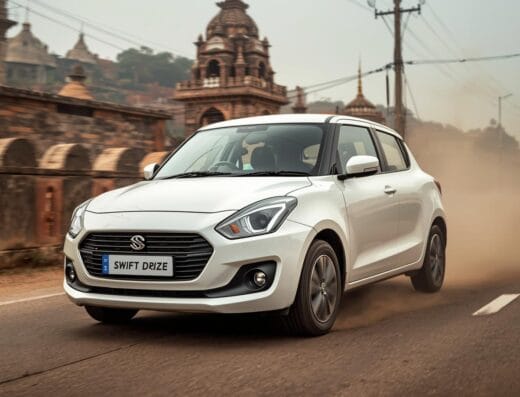
Great for 1–3 passengers with light luggage. See options like Swift Dzire with city-friendly comfort and value.
SUVs & MUVs (comfort + space)
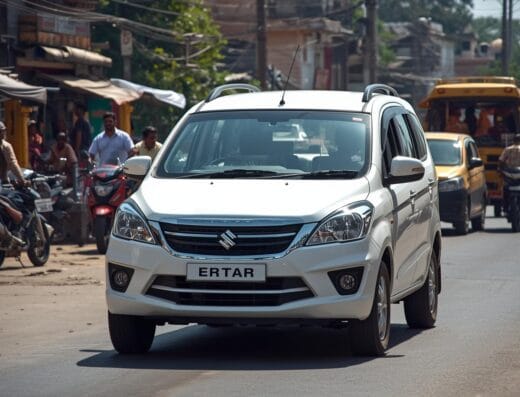
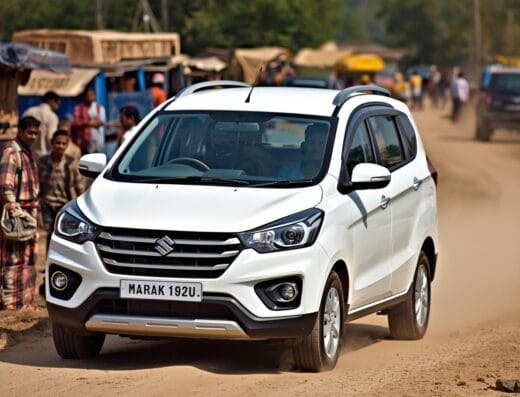
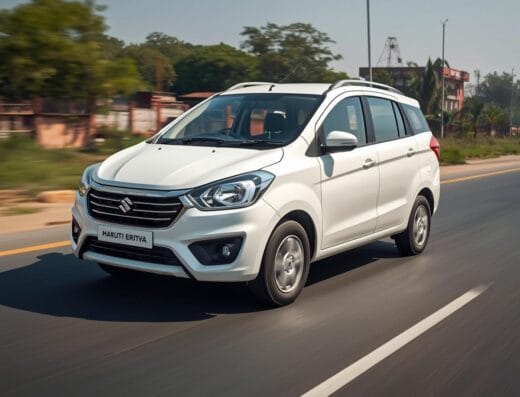
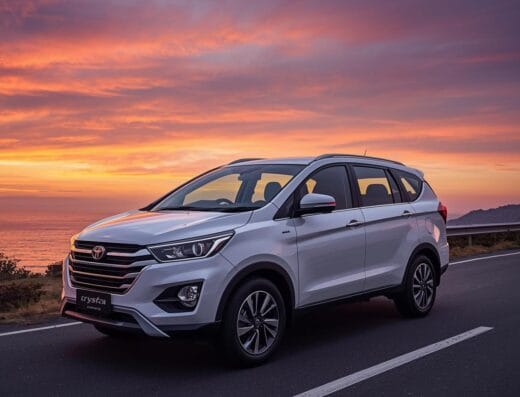
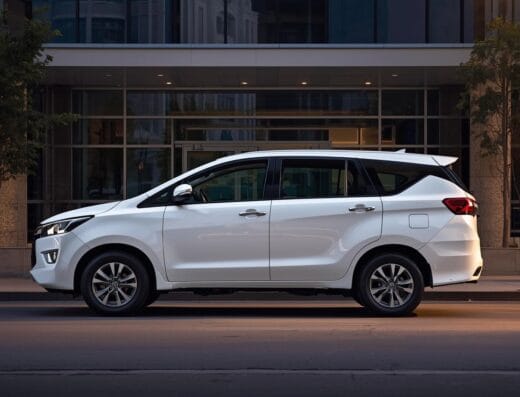
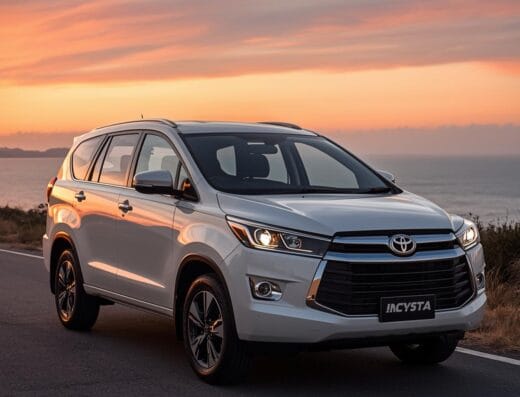
Ideal for 4–6 passengers or mixed city/outstation runs. Compare trusted picks like the Innova Crysta.
Tempo Travellers & vans
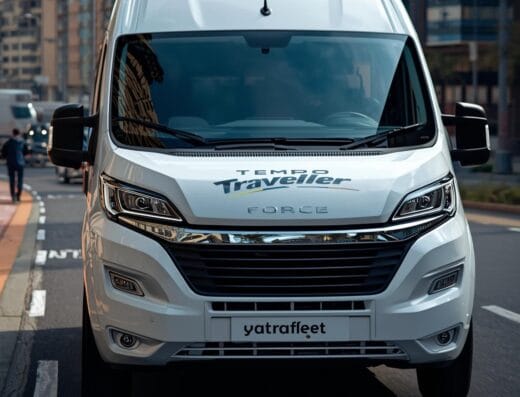
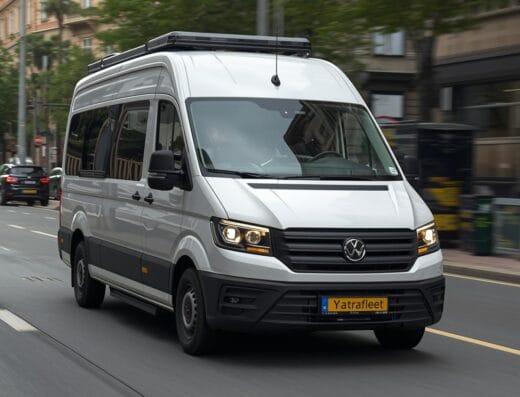
Perfect for small groups. Check seating layouts and baggage room; we recommend aisle seats for seniors to reduce steps.
Premium & wedding cars
For special days, filter by body style and color. Listings include clear timelines and driver dress code when requested.
Explore Listings: pricing, inclusions, and what to expect
Most listings display a base price and typical inclusions like fuel and driver allowance. Toll/parking/night charges are shown clearly so there are no surprises. If your route is unusual, submit a quick request and we’ll price it precisely.
Transparent inclusions: base fare + driver allowance noted on each listing.
Extras, if any: tolls, parking, and night charges are itemized in your quote.
Changes: need an extra pickup or a detour? We’ll confirm any price impact before you proceed.
Explore Listings: tips for seniors & families
Traveling with elders or kids? Use Explore Listings to choose vehicles with easier step-in height and better seating. Share your preferred pickup points and rest breaks—we’ll factor them into the plan and brief the driver.
Explore Listings: quick steps to book
Open Explore Listings and pick a vehicle that fits your seating & luggage.
Check inclusions/exclusions and any city notes on the listing.
Need a custom route? Use Request for Quote with date, time, and stops.